

HotDog CMS 0.2: packs
HotDog CMS 0.2 is out, and it's mostly about packs.
A pack is a ready-made feature for your site: a section, a page layout and its style. On WordPress you'd reach for a plugin. The difference is that a pack carries no code. Adding one copies a few templates and a stylesheet into your site, where they're yours to read, change and review like everything else. HotDog checks every file before it goes in.
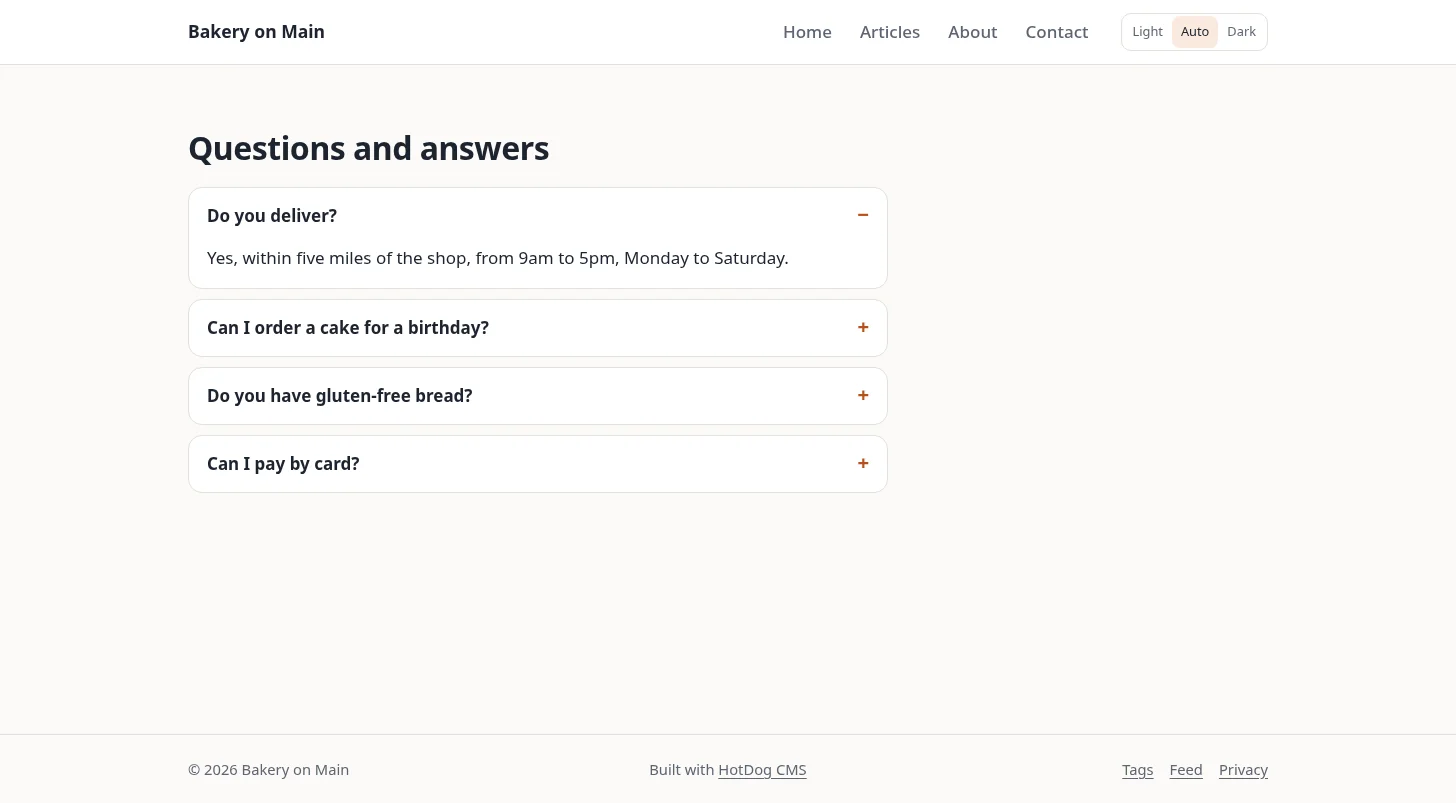
0.2 comes with eighteen:
- For a business: location and hours, menu and prices, team, testimonials and jobs.
- For selling: a shop, and payment links for Stripe, PayPal, Square, Ko-fi and Liberapay. Checkout happens on your payment provider's own page, so your site never handles a card.
- For writing: questions and answers, a table of contents, related posts, share links, recipes and podcasts.
- For showing your work: a gallery, a portfolio, downloads, documentation and a calendar.
Pages made with the questions, business, team, recipe, job and shop packs also tell search engines what they are, so they can show richer results. You don't have to do anything for that.
Adding one is a single command, hotdog-cms pack add faq, and the packs tutorial shows it from start to finish in three minutes. If you've built a section you'd like on more than one site, you can make it a pack too.
One more change: every import now says plainly, before it starts and at the top of its report, that the importers are for moving your own site, content you own or have the rights to use.
To upgrade, download 0.2 from the releases over the old version. Which pack would you like next? Tell us on the forum.