

Packs
Add features to your site, like questions and answers, a gallery or opening hours. Packs carry no code, so adding one can't put your site at risk.
Prefer to watch? The packs tutorial adds a questions and answers section from start to finish, in three minutes.
On WordPress, features come from plugins. On HotDog, they come from packs. A pack is a set of ready-made sections, page layouts and styles. Adding one copies its files into your site, where they're yours: reviewed, versioned and published like everything else.
Why no code
WordPress plugins run with your whole site's rights, and that's where most WordPress break-ins start. A pack can't hold JavaScript or anything else that runs: its templates go through the same escaping, checks and security policy as your own. And nothing updates behind your back: a new version is a change you see before it's published.
The packs that come with HotDog
| Pack | What it adds |
|---|---|
| calendar | Events, an upcoming-events section and a calendar feed people can subscribe to. See Events. |
| docs | A documentation section with a sidebar, part pages and previous and next links. |
| downloads | Files to download, with their type and size. |
| faq | Questions that open to show their answers. |
| gallery | A grid of pictures that open full size. |
| jobs | Job openings with closing dates. Closed ones leave the list by themselves. |
| location-and-hours | Your address, a map link, phone, email and opening hours. |
| menu-and-prices | A price list in groups, and plans side by side. |
| payment-links | Buy, book and donate buttons that open your payment provider's own checkout: Stripe, PayPal, Square, Ko-fi, Liberapay and others. |
| podcast | Episodes with a player, and the feed podcast apps subscribe to. |
| portfolio | Projects with a cover, details and pictures. |
| recipes | Ingredients, steps, times and servings. |
| related-posts | At the end of an article, the ones that share the most tags with it. |
| share-links | Plain share links for Mastodon, Bluesky, LinkedIn and email, with no tracking. |
| shop | A product catalog with a page per product. Each Buy button opens your payment provider's checkout. |
| table-of-contents | A long page's headings, linked, at its top. |
| team | A page per person, and a list of everyone. |
| testimonials | Quotes from customers, with a name and a role. |
A few of them on the same site:
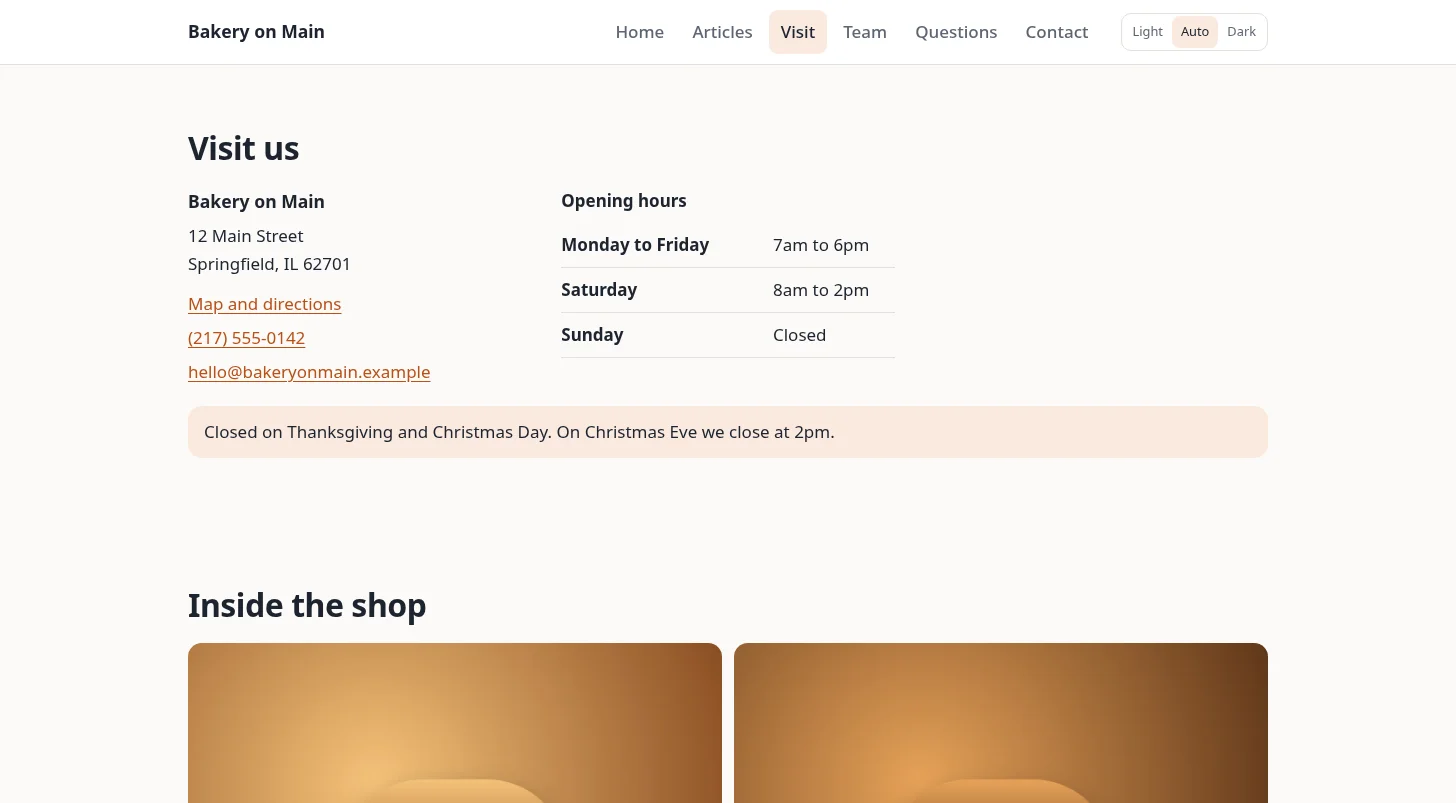
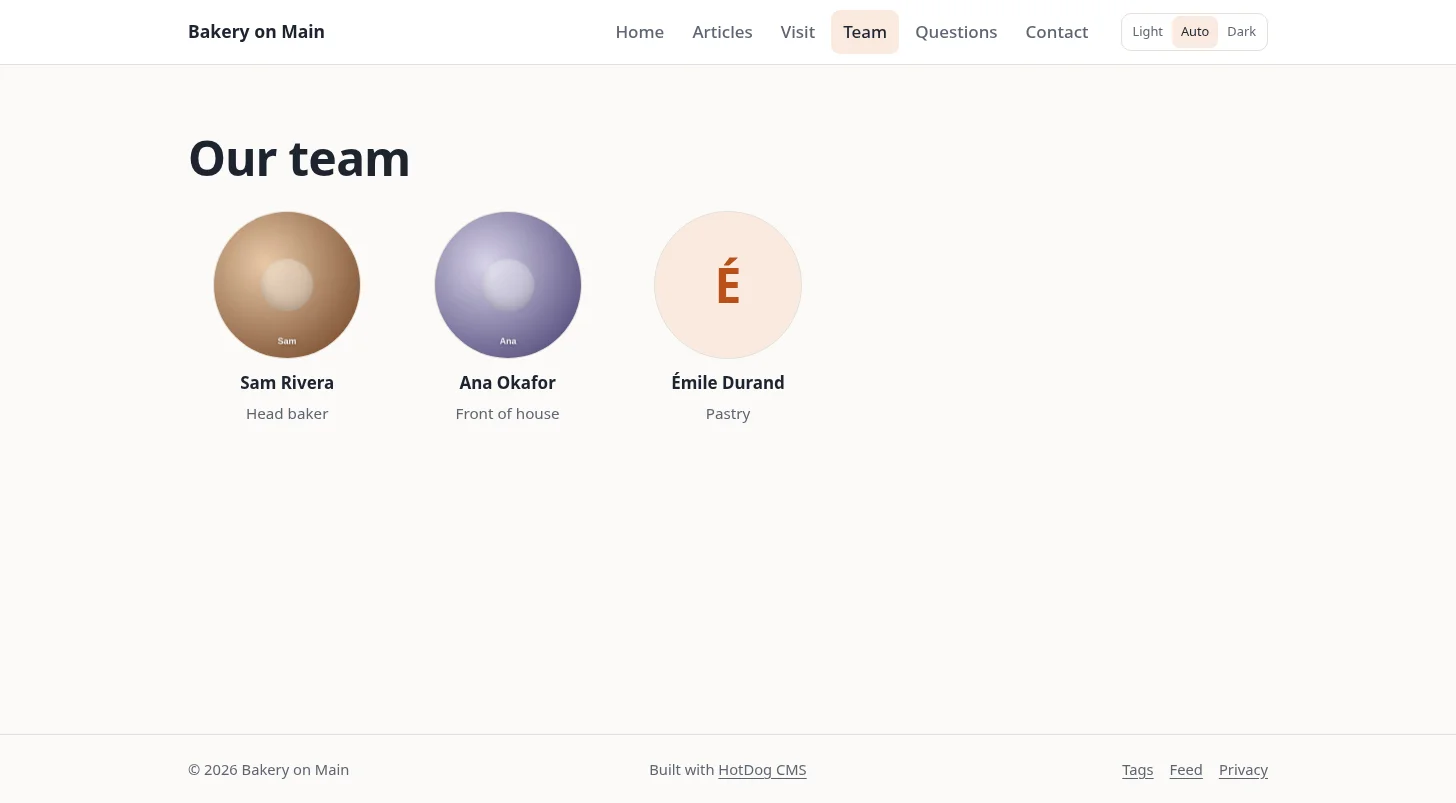
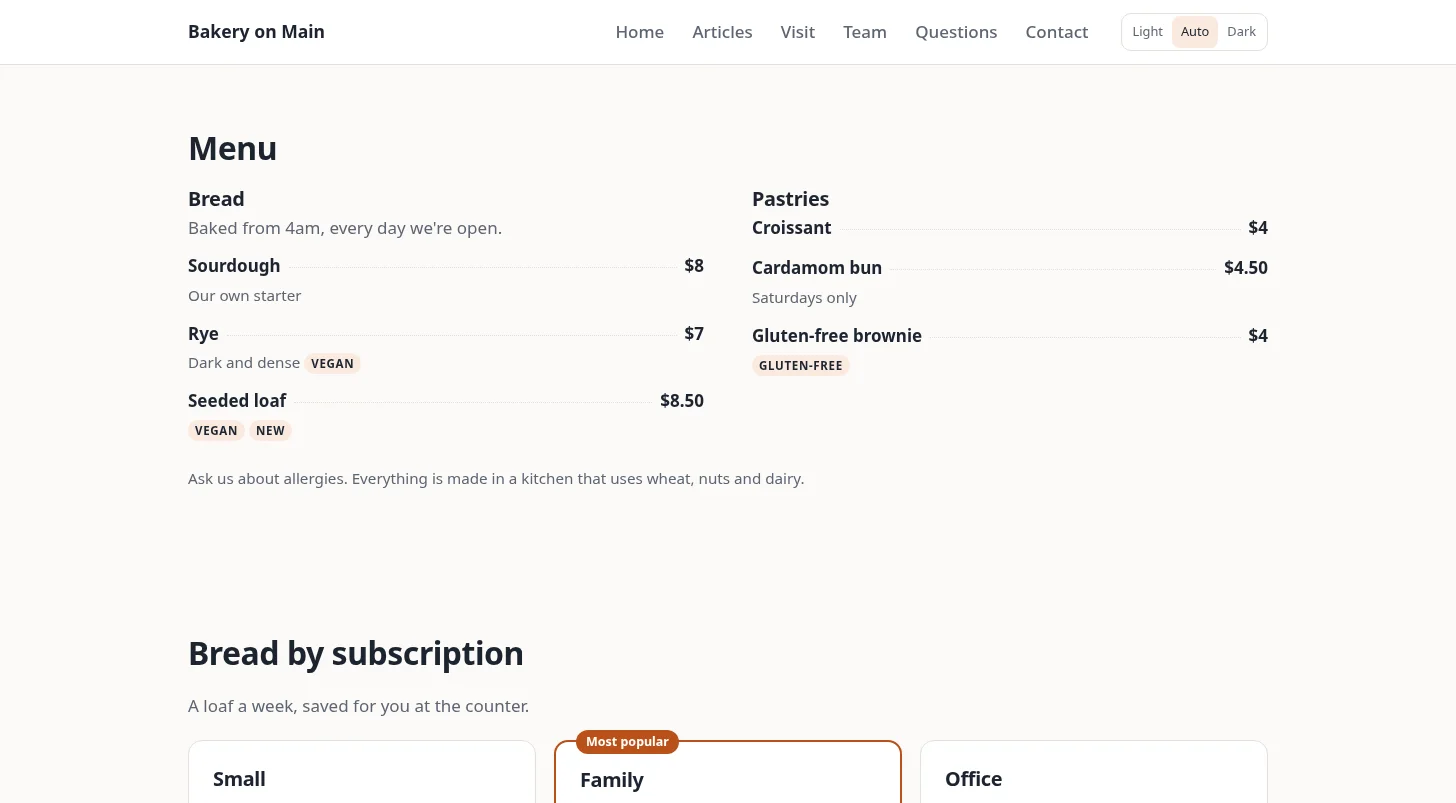
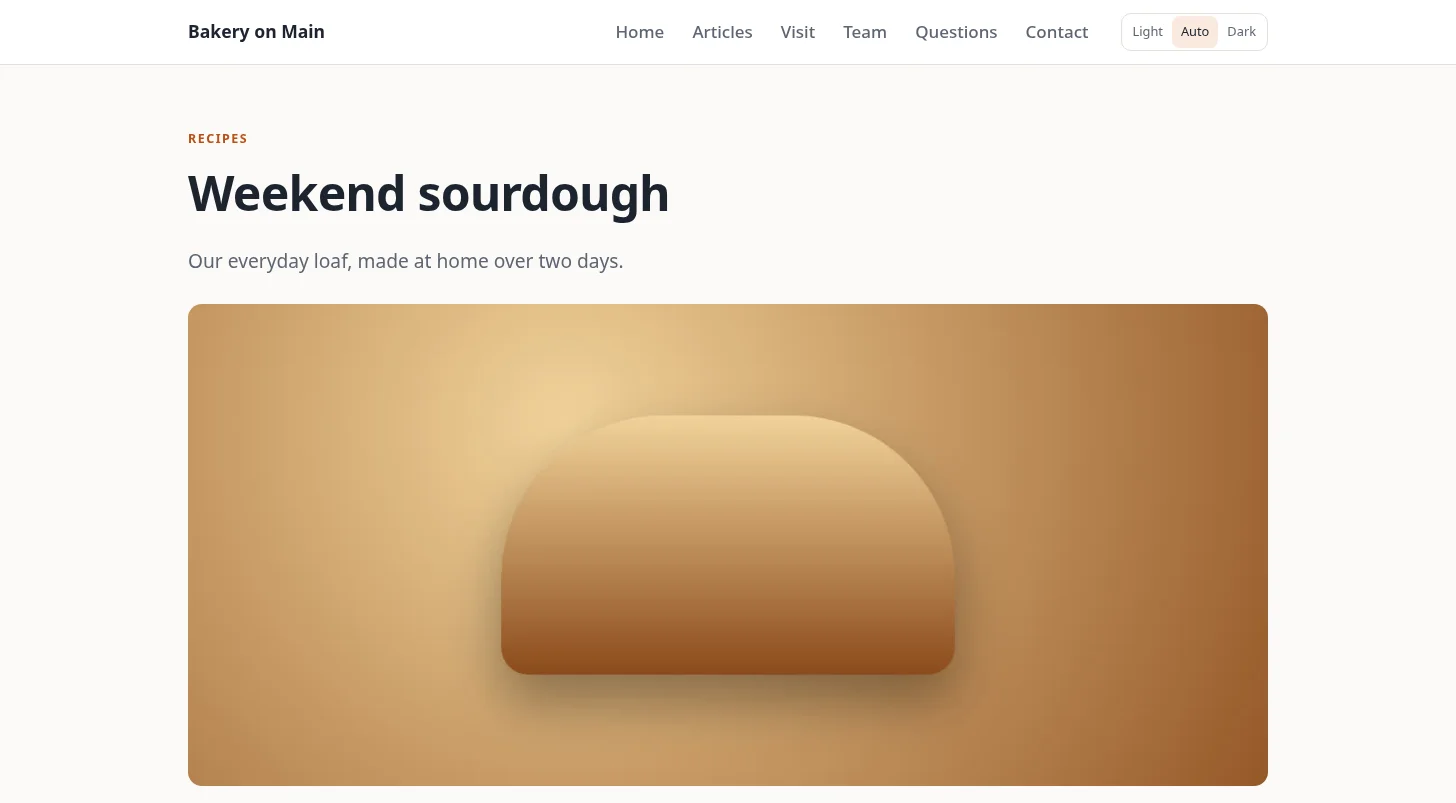
Each pack's notes, shown when you add it, say how to use it. Every pack also has a README in HotDog's packs folder.
Search engines. The faq, location-and-hours, team, recipes, jobs and shop packs also tell search engines what the page is (questions and answers, a business, a person, a recipe, a job, a product), so they can show richer results. You don't have to do anything for that.
Add one
In your site's folder:
hotdog-cms pack add faq
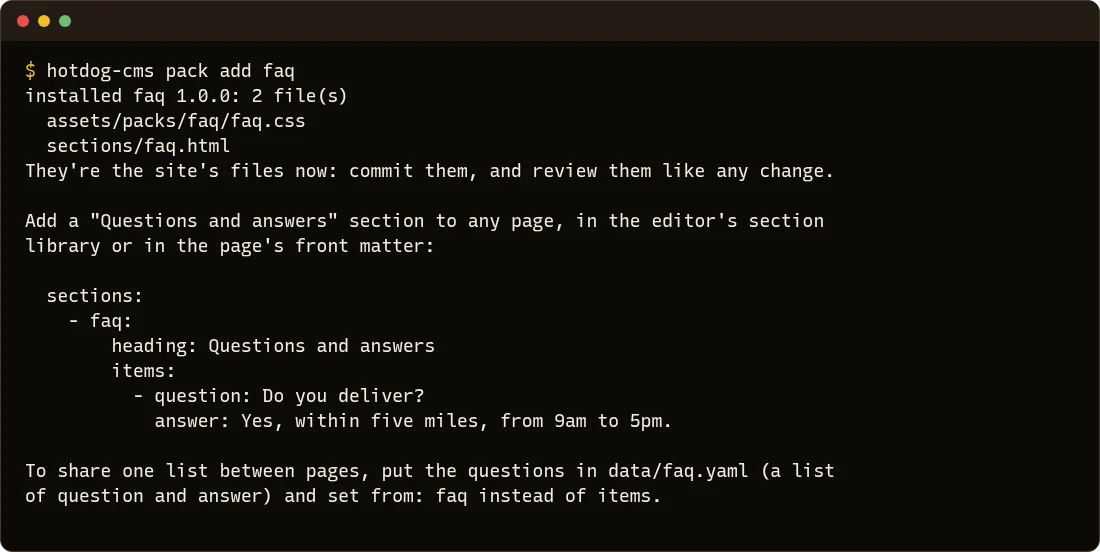
Then put its section on a page, in the editor's section library or in the page's front matter, as its notes say. Commit the new files and the change to site.yaml, ideally through a review.
| Command | What it does |
|---|---|
hotdog-cms pack list |
The packs in your site, and the ones that come with HotDog. |
hotdog-cms pack add faq |
Add a pack that comes with HotDog. |
hotdog-cms pack add ../notice-pack |
Add one from a folder. |
hotdog-cms pack add https://git.example.org/packs/[email protected] |
Add one from a git repository, at a version. |
hotdog-cms pack remove faq |
Take a pack's files out. |
hotdog-cms pack check ../notice-pack |
What a pack would install, or what's wrong with it. |
- Running
addagain with a newer version upgrades it. - A file already in your site is never overwritten, unless you add
-force. - In the editor, a pack's sections appear in the section library, marked with the pack's name.
Started your site before HotDog CMS 0.2? For the search engine data, add this line to partials/schema.html:
{{ range pageData . }}<script type="application/ld+json">{{ . }}</script>{{ end }}
Make your own
A section you've built for one site can become a pack for all of them. Make your own pack goes through it step by step.