

Previews of every branch
See every draft exactly as it will be published, each at its own address, before it goes live.
hotdog-cms preview builds every branch of your site's repository, exactly as it would be published, and serves each at its own address. It's how a reviewer sees a draft for real.
Try it on your computer
hotdog-cms preview -repo https://github.com/you/mysite.git
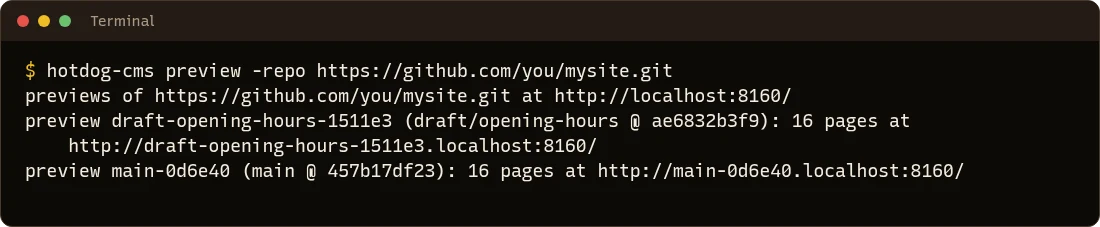
Open http://localhost:8160 for the list:
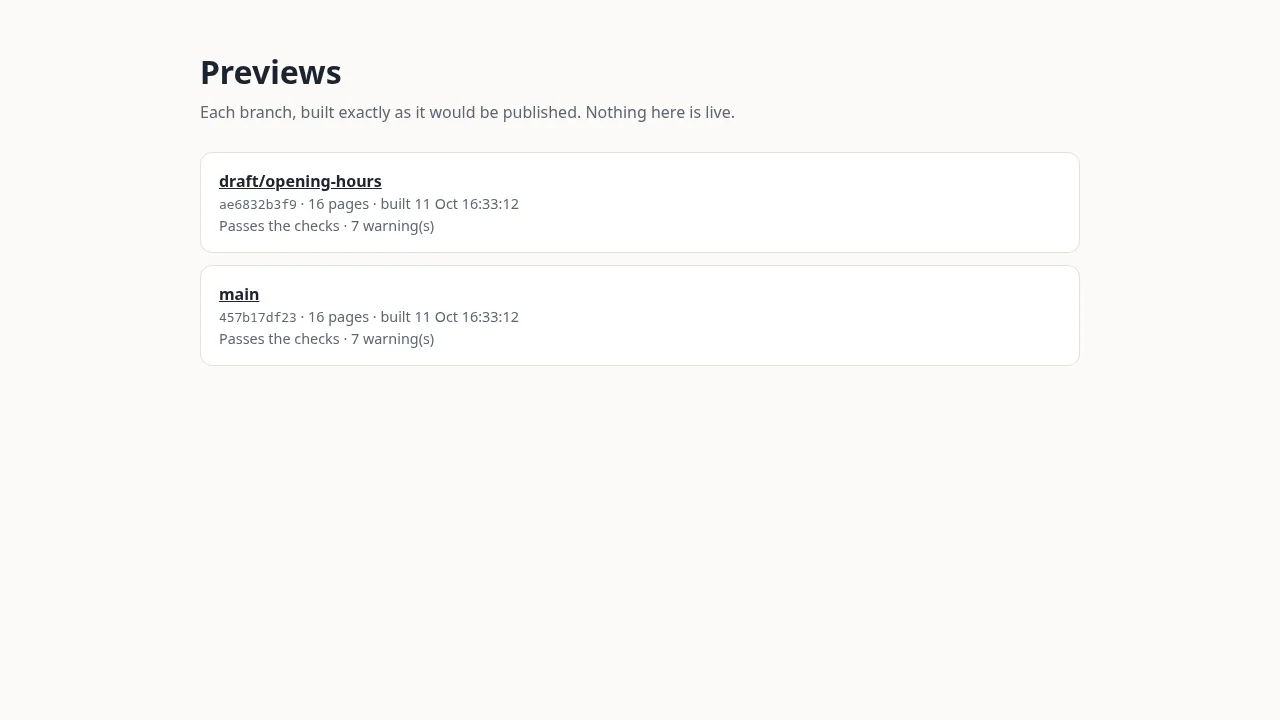
Choose a branch to open its preview. Browsers send every ….localhost address to your own computer, so there's nothing to set up.
What makes it a real preview
- The same build as your live site, with only its address changed so links stay on the preview. Nothing is added to the pages.
- Kept up to date: branches that move are rebuilt every 30 seconds (
-everychanges it). If a build fails, the last good one stays up, and the list shows the error. - Drafts included (
draft: truepages), since that's what previews are for.-drafts=falseleaves them out. - Private: previews ask search engines to stay away, and the preview server only listens on your own computer unless you give it a password.
For a team
Run it on a server beside the editor (never on your public web server), with a password and its own domain:
HOTDOG_PREVIEW_AUTH='editor:a-long-password' \
  hotdog-cms preview -repo https://github.com/you/mysite.git \
    -addr 0.0.0.0:8160 -domain preview.example-previews.net -scheme https
Point a wildcard name (*.preview.example-previews.net) at it, put TLS in front, and give the editor the domain (preview: in editor.yaml), so reviews link to their preview.