

Your platform's pipeline
Let your git platform check every proposed change and publish every accepted one, by itself. One command writes the file it needs.
Most git platforms can run steps by themselves when something changes: a pipeline (also called CI or Actions). HotDog writes the pipeline file for yours.
1. Choose a target
The pipeline publishes to the targets in your publish.yaml, usually over SSH. Write that first.
2. Write the pipeline file
In your site's folder:
hotdog-cms ci github -write
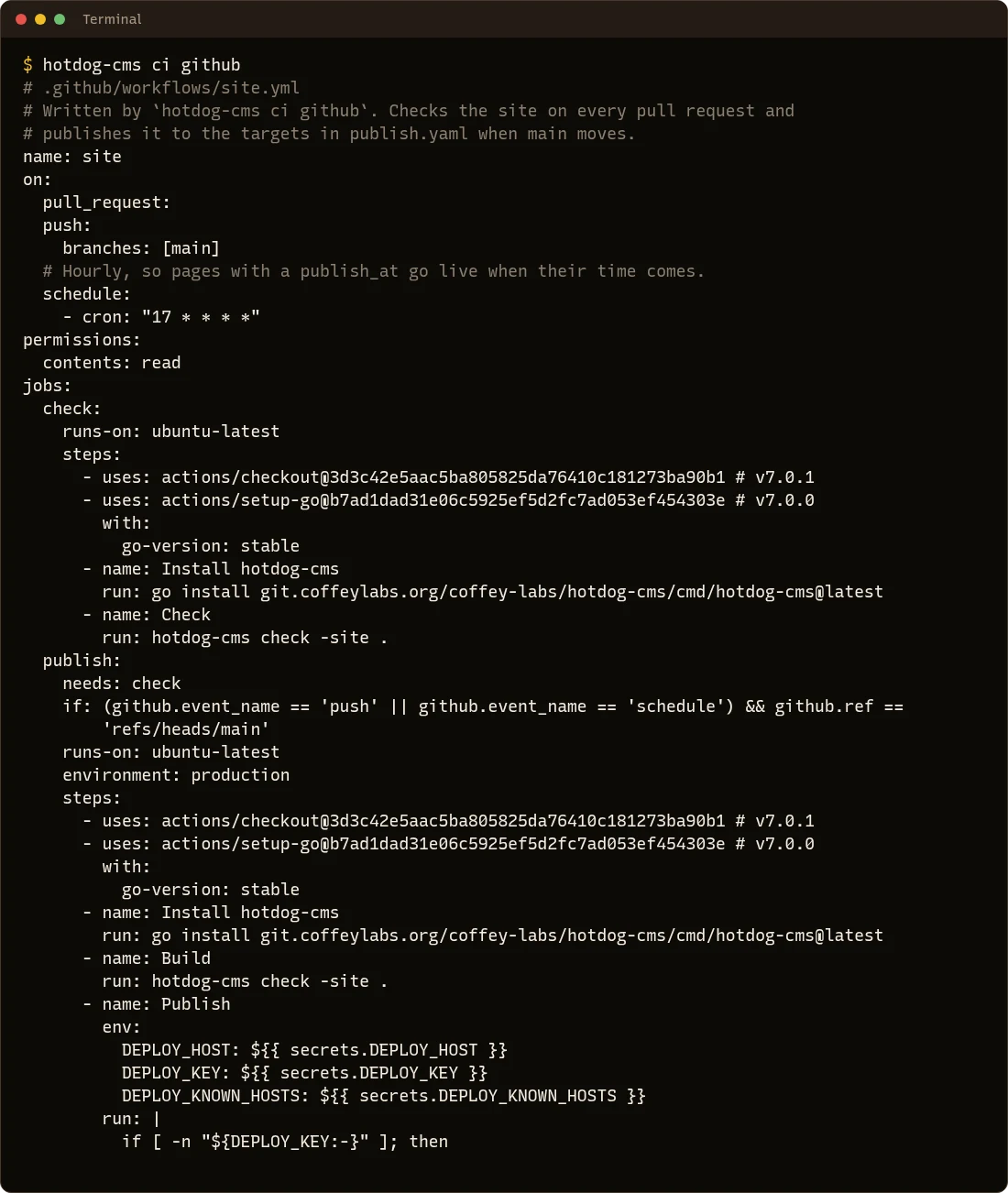
Use your platform's name: github, gitlab, gitea, forgejo, bitbucket or woodpecker. Without -write, it prints the file so you can look first:
What it does
- On every pull request, including reviews from the editor, it runs the checks, and the platform shows whether they passed.
- When the publishing branch moves (
main, unless you say-branch), it checks and publishes to every target inpublish.yaml. - Every hour, it rebuilds, so scheduled pages, banners and events go live and come down on time.
3. Add the secrets
Publishing over SSH needs three secrets, set in your platform's repository settings (on GitHub: Settings → Secrets and variables → Actions):
| Secret | What it is |
|---|---|
DEPLOY_HOST |
The server, such as web.example.org. |
DEPLOY_KEY |
A private SSH key that can log in as your deploy user. Make one just for this. |
DEPLOY_KNOWN_HOSTS |
The server's identity, from ssh-keyscan web.example.org, so the pipeline can tell it's really your server. |
On GitHub, the publishing job runs in an environment called production, limited to the publishing branch, so a pull request from someone else can never read the deploy secrets. GitLab uses protected variables for the same. On Gitea and Forgejo that limit isn't possible, and the file says so: for those, the pull agent is the safer choice.
4. Commit it
git add .github
git commit -m "Publish from the pipeline"
git push
From now on, accepting a review publishes the site.