

Tags
Give articles subjects, and HotDog makes a page for each subject listing everything about it.
Tags group articles by subject. Add them to an article's front matter, as a list:
tags: [News, Opening hours]
They show on the article, each linking to its own page:

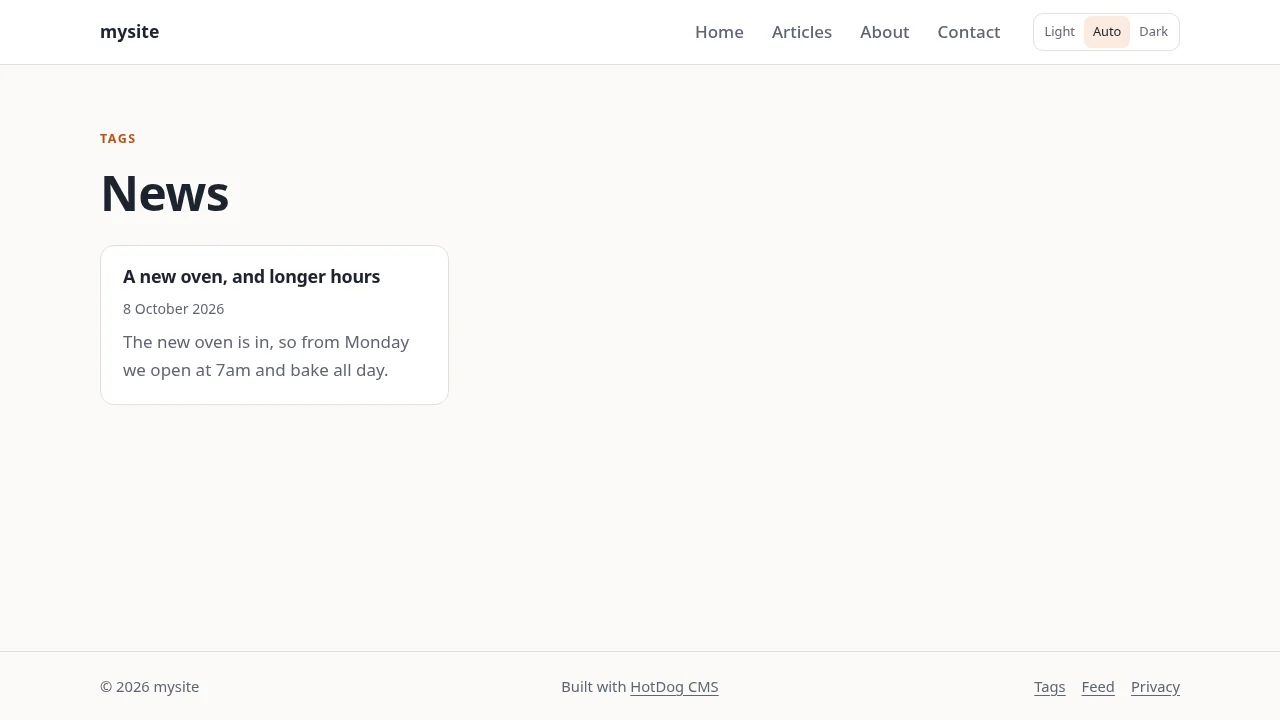
That page lists every article with the tag, newest first:
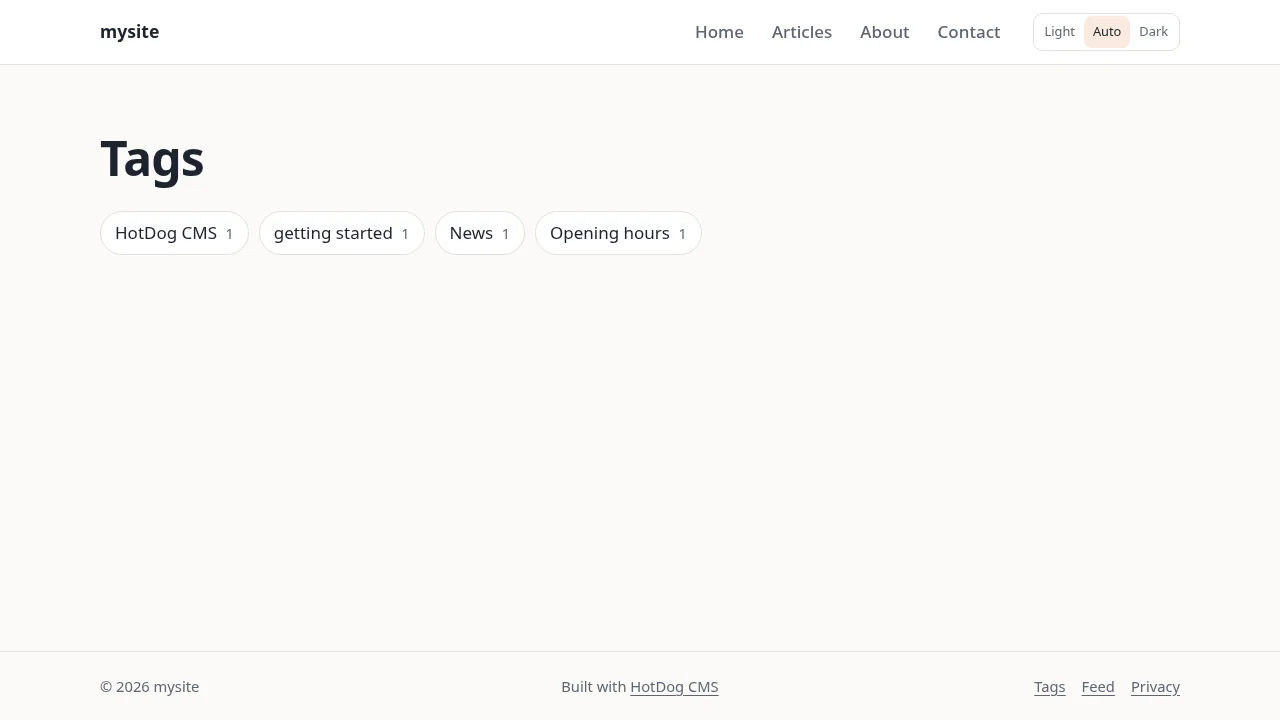
And /tags/ lists every tag on the site:
Writing tags
- Spell them the way you want them shown. "Opening hours" is shown as written; its page is
/tags/opening-hours/. - Different spellings of one subject share a page. "open source", "Open Source" and "open-source" are one tag, shown in whichever spelling you use most.
- Use a few, and reuse them. Tags help when several articles share one. A tag used once makes a page with one article on it.
Turning tags on and off
Tags are set in site.yaml:
taxonomies: [tags]
The template has them on. Take tags out of the list (taxonomies: []) and the tag pages aren't made. You can add other kinds of grouping the same way, such as taxonomies: [tags, authors], if your layouts show them.