History and undo
Every change that reached your site is in its history, with who made it and when. Any of them can be undone.
History
In the site view, choose History. It lists every change that reached the published site, newest first: what changed, who changed it, and when.
It comes straight from your site's git history, so nobody can quietly edit it, including the people it records.
Undo
Choose a change, then Undo on a draft. The editor makes a new draft that reverses that change: a revert. Review and publish it like any other change.
- The original change stays in the history, and so does the undo. Nothing is erased.
- If later changes touched the same lines, undoing could clash with them. The editor says so, instead of guessing.
A file's own history
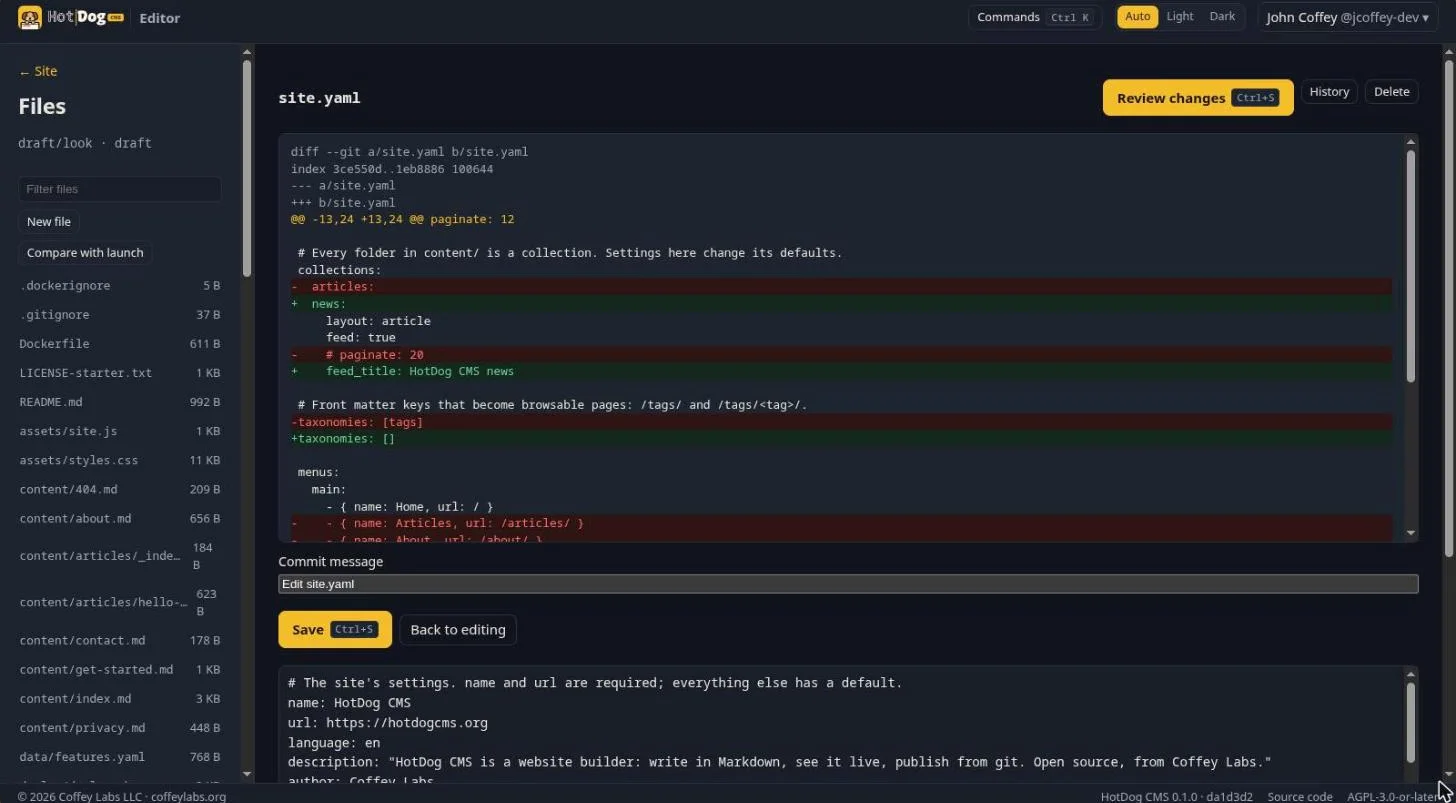
In Files, every file has its own History: each version of it, who saved it, and what changed. Compare with the published branch shows how your draft differs from the live site.