

Review and publish
Ask someone to look at a draft before it goes live, then publish it. The checks run every time, and nothing with errors is published.
Everything you save goes onto a draft. Publishing a draft takes two steps: review, so someone can look first, and publish. If you're the only person working on the site, you can review your own drafts.
1. Check the draft
The site view says whether your draft passes the checks, at the top:
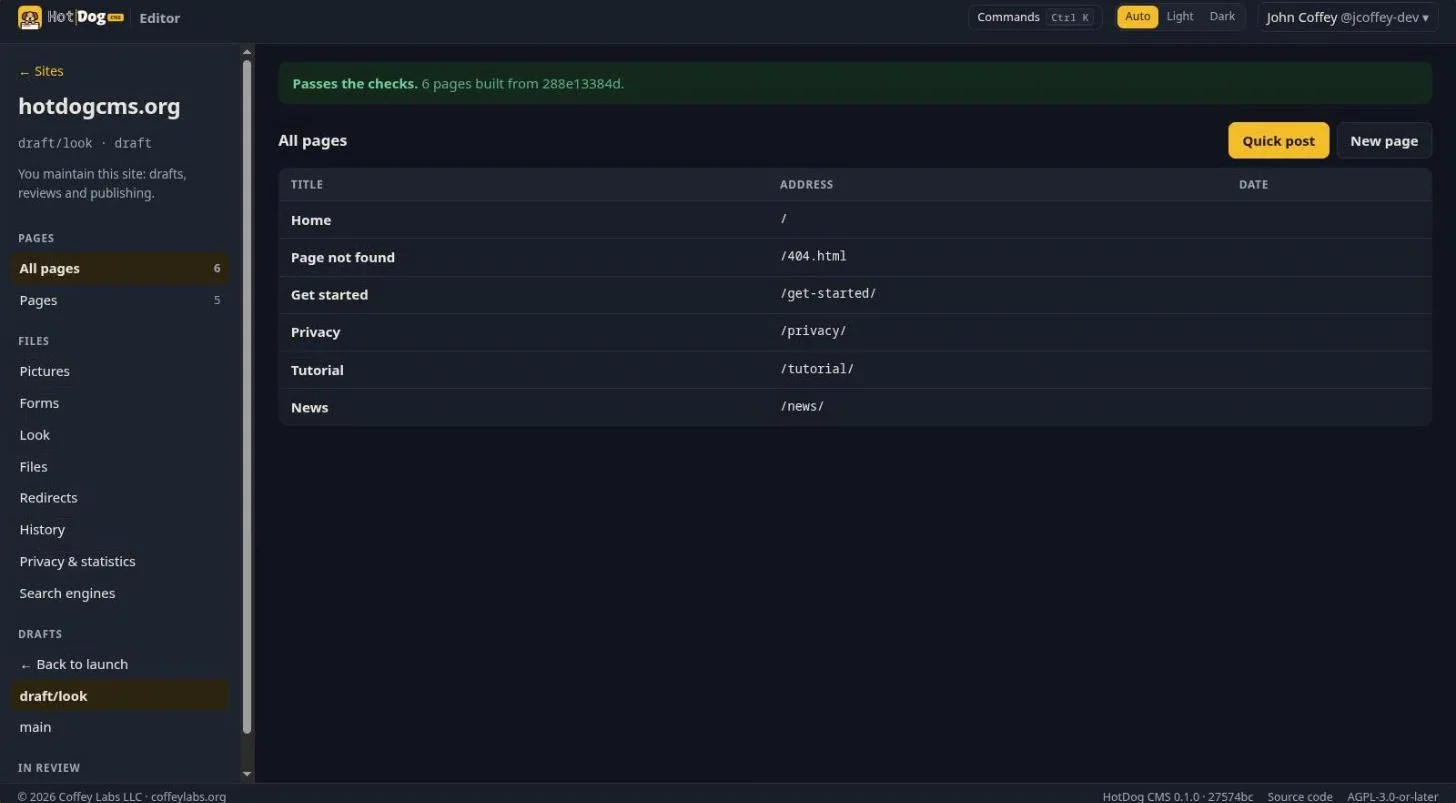
If it says there are errors, choose Show details. Each finding says what's wrong, on which page, and how to fix it. Nothing with errors can be published. See Checks.
2. Submit for review
In the page editor (or Look), choose Submit for review. Give the review a title and say what changed, for the person reviewing it:
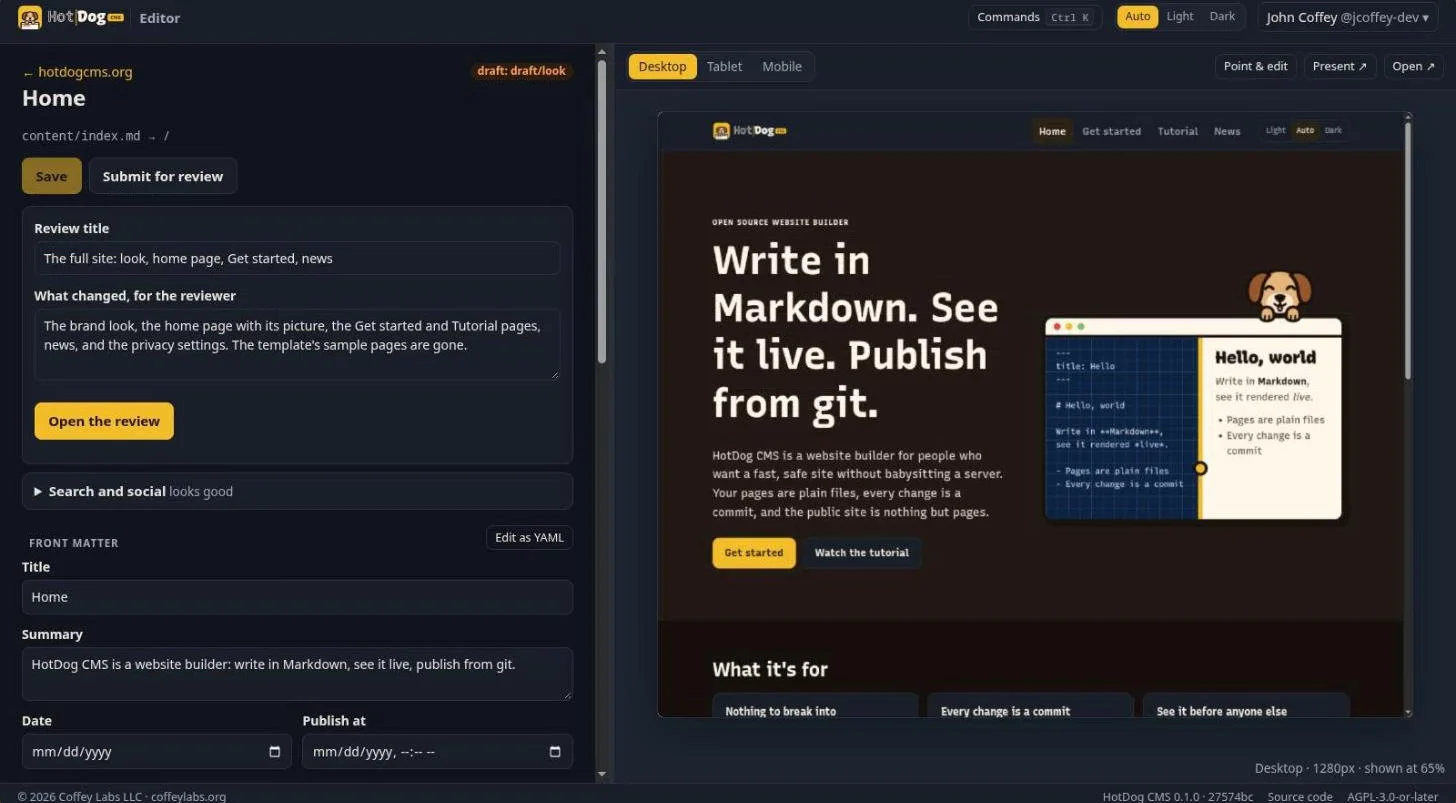
Choose Open the review. The editor opens a pull request on your git platform, with the check results and a link to a preview of the draft. If your platform lets you, you can ask particular people to review it; the platform tells them by its own notifications and email.
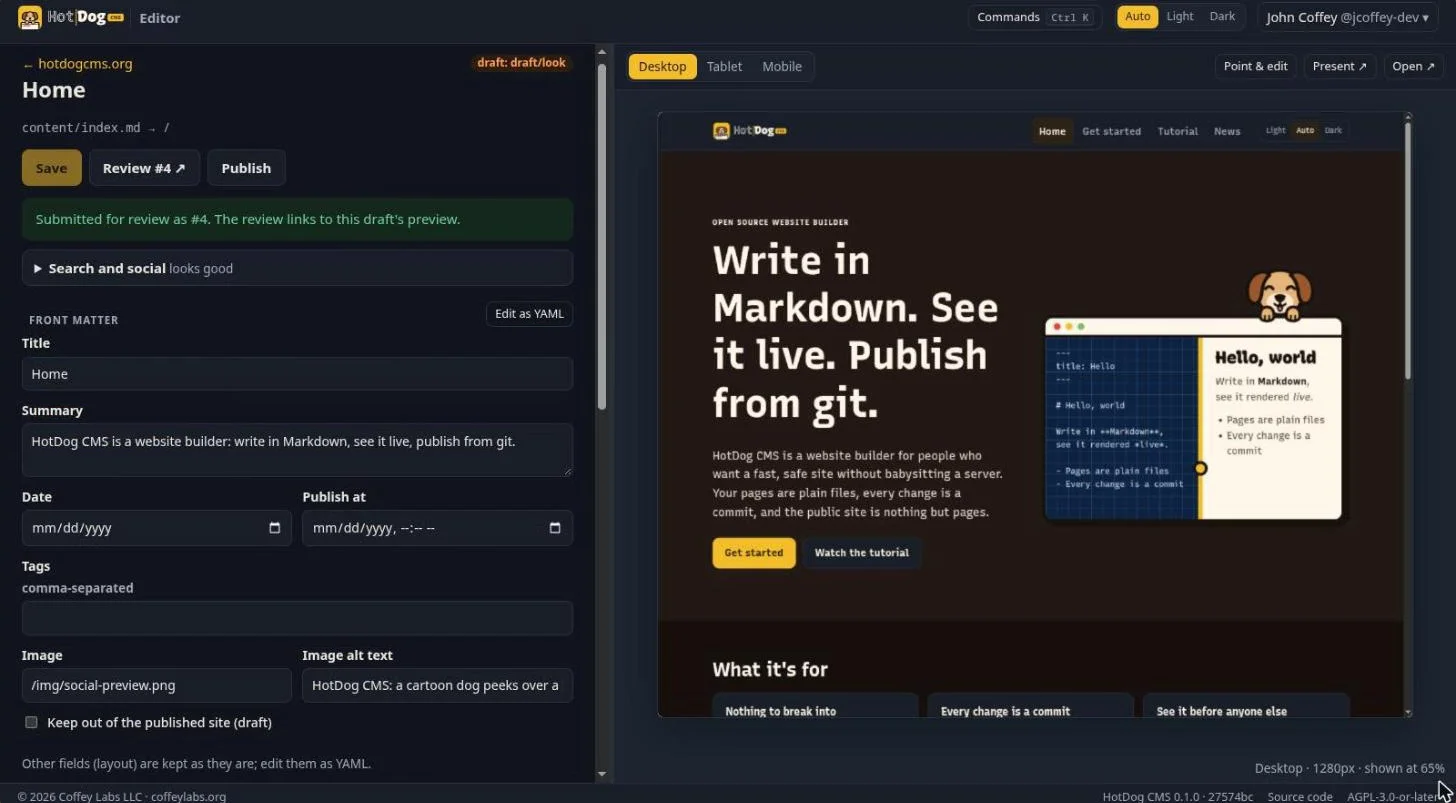
Review #4 opens the review on the platform, where people can comment, ask for changes and approve. Changes you save to the draft afterwards are added to the same review.
3. Publish
When it's ready, choose Publish. The editor runs the checks once more, and if they pass, accepts (merges) the review into the branch your site publishes from:
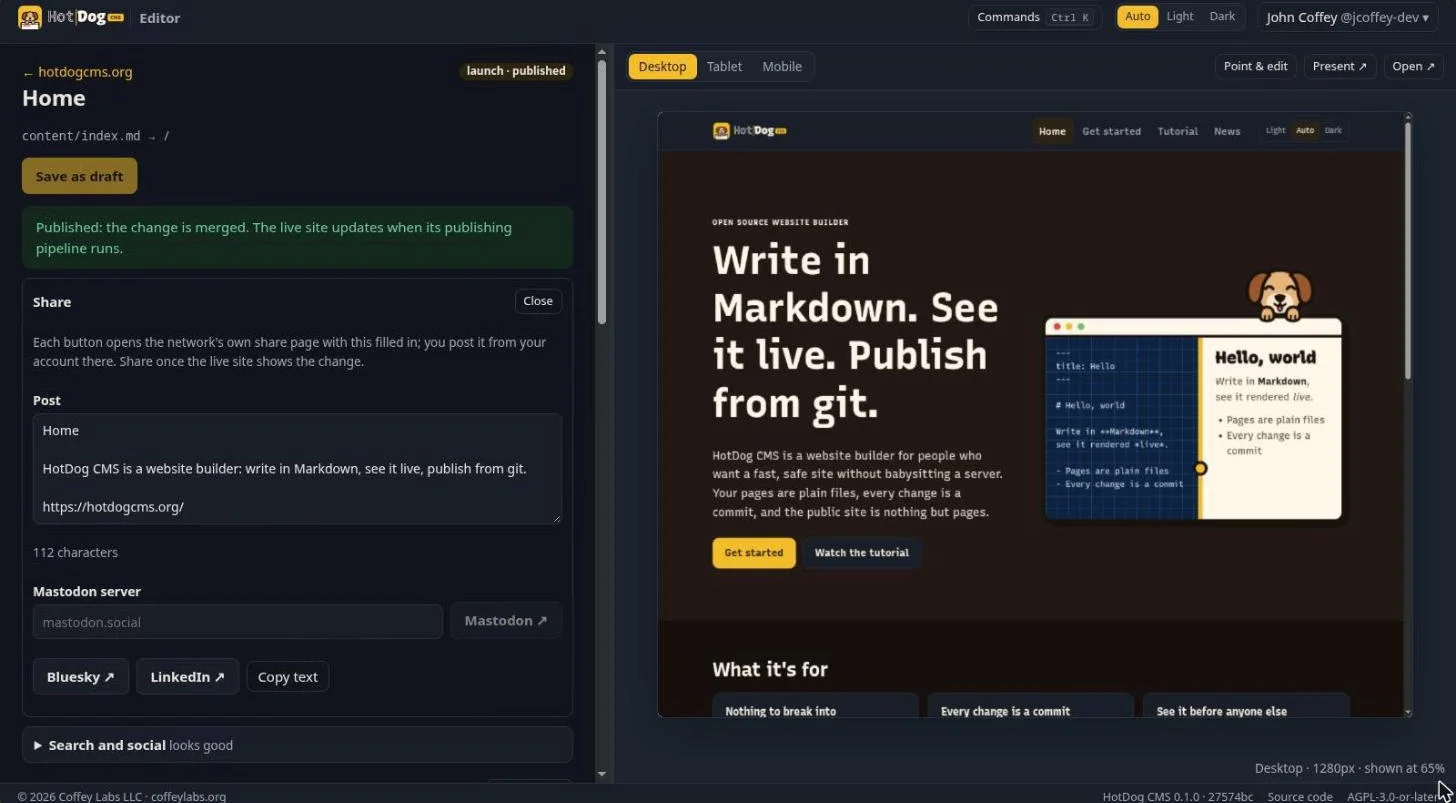
Who may publish is your platform's decision. If you aren't allowed to merge on this site, the review waits for someone who is.
When does the live site change?
Publishing in the editor updates your site's repository. The live site updates when your publishing runs: your platform's pipeline, the pull agent on your server, or someone running hotdog-cms publish. With a pipeline or the pull agent, that's within a minute or two. See Publishing.
Share it
Once a page is published, the Share panel offers a post about it, with its title, summary and link, ready to edit. Mastodon, Bluesky and LinkedIn open that network's own share page with it filled in; you post from your account there. The editor never posts for you.